Carrying a Satellite Messenger Into Dead Zones
A ride that feels close to the highway can turn remote quickly once you drop into a canyon or follow a forest road beyond cell coverage. In Idaho’s backcountry, a satellite messenger can provide a way to call for help or check in when your phone cannot connect. This guide explains how to choose, prepare, and use one responsibly on an ATV or UTV trip.
Why a satellite messenger matters on Idaho rides
Cell service can disappear sooner than you expect
A phone may show a signal at a gas station or trailhead, then lose service as soon as the route bends behind a ridge. In central Idaho, deep valleys, steep terrain, and long stretches between communities can make it difficult to call or text for help. The same can happen on a ride that starts near a familiar town: a few miles down an unpaved road, the landscape may block service altogether.
This is especially worth planning for on remote routes such as the Magruder Corridor, where help, fuel, and reliable communication may be far apart. Even on a well-traveled route, a disabled machine, a fall, a sudden storm, or a medical problem can turn a routine stop into a serious situation. Before you go, read [Cell Service in Central Idaho] and treat phone coverage as a bonus rather than your emergency plan.
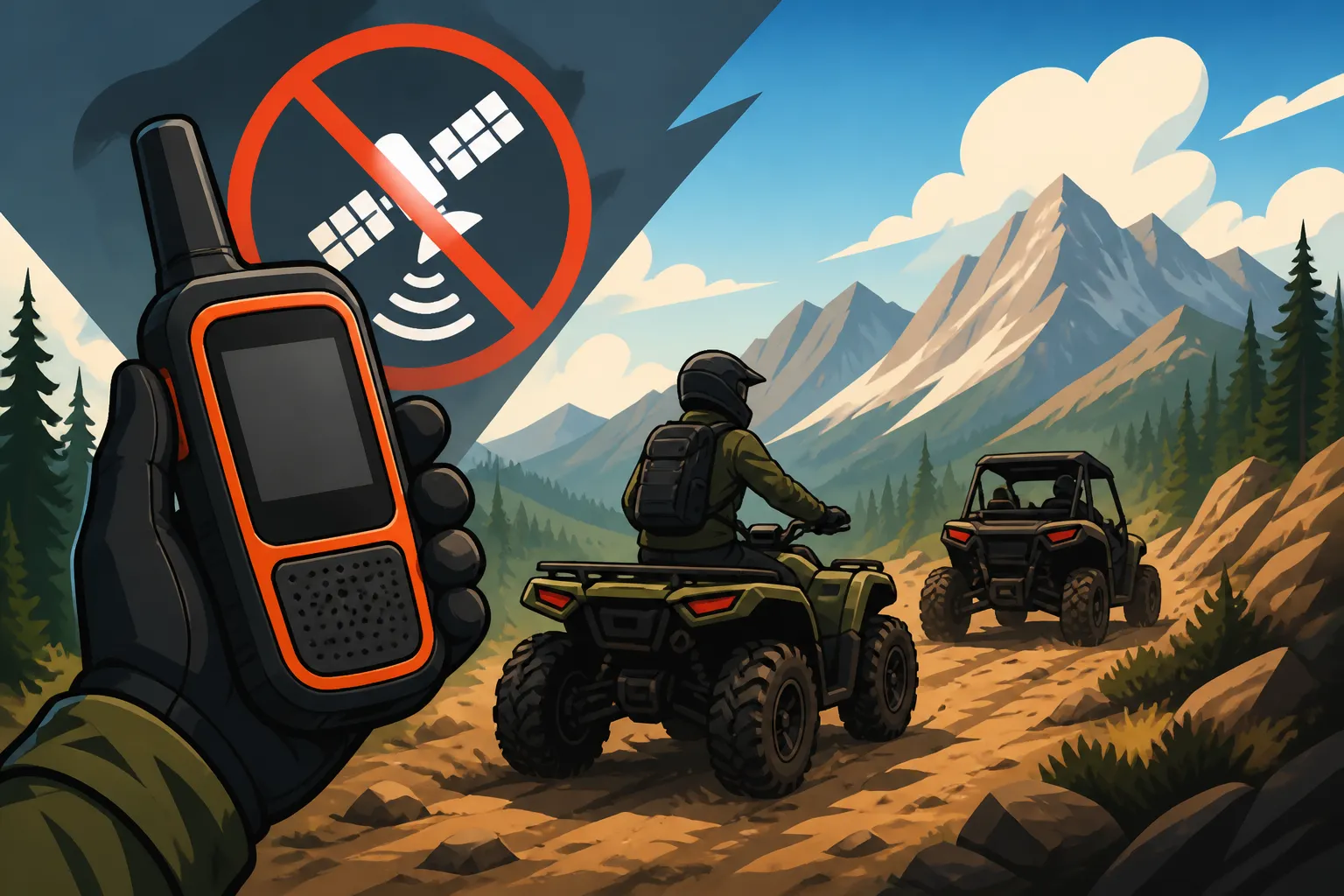
A satellite messenger communicates through satellite networks instead of relying on nearby cell towers. Depending on the device and service plan, it may support preset check-in messages, two-way messaging, location sharing, and an emergency SOS function. Capabilities differ between devices, so learn what your specific unit can and cannot do before relying on it.
A messenger complements—not replaces—basic trip planning
A satellite device is a useful part of a safety plan, but it cannot prevent a breakdown, make a difficult route easier, or guarantee that help will arrive immediately. Weather, terrain, the location of responders, and the details of the emergency all affect what happens after an SOS is sent. Think of the messenger as one communication tool in a larger plan that includes navigation, supplies, and an informed contact at home.
For example, suppose your UTV has a mechanical problem late in the day on a forest road. You may be able to send a message with your location and explain that you are delayed, which can help your contact avoid unnecessary alarm. If someone is injured or in immediate danger, an SOS may be appropriate. But if you have no map, little water, and no clear idea where the route goes, the device will not solve those problems for you.
A paper map, a downloaded digital map, suitable clothing, first-aid supplies, and a plan for what to do if a machine becomes disabled still matter. Build a complete kit with [What to Carry on a Remote Ride], and consider how long it could take to reach assistance when deciding how much food, water, and warmth to bring.
How to prepare a satellite messenger before leaving
Choose a device for the way you ride
Start with how you actually travel. A rider who sticks to busy trailheads and makes short day trips may want dependable check-ins and a straightforward SOS option. Someone riding several days through isolated terrain may place more importance on two-way messaging, location sharing, battery endurance, and the ability to keep family informed along the way.
Check the device’s coverage information for the areas on your itinerary, and read the service terms carefully. Some features require an active subscription or account. Confirm how emergency dispatch works, whether the device can send and receive messages, and what steps are required to activate an SOS. Do not assume that every satellite messenger works the same way or that a phone’s satellite feature offers the same functions as a dedicated device.
| Planning question | What to check before the ride |
|---|---|
| Does it work on the route? | Review the device maker’s coverage information for your riding area |
| Can you send a check-in? | Learn how to send a preset message and confirm it reaches your contact |
| Can you exchange messages? | Check whether two-way messaging is available and how replies arrive |
| What happens during an SOS? | Understand how to activate it, what information is sent, and how to communicate afterward |
| Is the account ready? | Confirm that required service and emergency contacts are set up |
| Will the battery last? | Charge the device and plan for the length and conditions of the trip |
| Can you use it with gloves? | Practice operating the buttons or touchscreen with your riding gear on |
The device should fit your riding style, but ease of use matters more than a long feature list. If you need to dig through several menus to send a message, you may struggle when tired, cold, or dealing with a problem. Practice the essential functions at home, not for the first time beside a broken machine.
Set up your route and emergency contacts
Before departure, tell a reliable person where you are going, which trailhead or staging area you expect to use, who is riding with you, and when you plan to check in. Share a realistic return window rather than saying only that you will be back “in the evening.” Agree on what your contact should do if you miss a check-in, and make sure they understand the difference between a routine delay and an emergency.
Your itinerary should identify the intended route and reasonable alternatives. Download maps before leaving service, and make sure you understand how to view them offline. Riders who use onX Offroad can prepare their route information in advance and check that the relevant map area is available without a connection; do not wait until you are in a dead zone to discover that a map has not downloaded. A downloaded map is a navigation aid, not a substitute for checking whether a road or trail is open to motorized use.
Use [Reading an Idaho Motor Vehicle Use Map] to understand how to check designated routes, and review [Checking Idaho Trail Status Before You Drive] before heading out. Apps such as onX Offroad can help you organize route information, but confirm important access and closure details with the responsible land manager when needed. Keep an offline map available even if your messenger or phone can display your location.
Test the entire setup at home
Charge the messenger fully and check its battery condition before the trip. Review account settings, emergency contacts, message presets, and location-sharing preferences. If your device lets you send a test message, use the proper test function and confirm that the intended contact receives it. Avoid sending a real SOS just to see what happens; follow the device maker’s instructions for testing emergency features.
Practice sending a check-in, reading a reply, and explaining your location in a short message. For example: “We are stopped at the north end of the planned loop. One machine is disabled, everyone is safe, and we are working on it. We will send another update shortly.” Clear information helps a contact understand whether you need immediate assistance or are simply delayed.
Pack the messenger where it can communicate with the sky and where you can reach it quickly. A unit buried under clothing, tools, or a metal cargo box may be harder to use. Follow the manufacturer’s recommendations for carrying and operating it. Keep it secured so it does not bounce off during rough riding, and make sure passengers know where it is and how to use it if the operator is injured.
Using a messenger during a remote ATV or UTV trip
Carry it accessibly and keep it ready
A satellite messenger only helps if it is with you when communication is needed. Keep it on your person or in a secure, reachable location rather than leaving it in a parked truck at the trailhead. If you ride with a passenger, tell them where it is and show them the basic controls. In a rollover or medical emergency, the primary operator may not be able to reach it.
Check the device periodically during the trip, especially if the ride lasts longer than planned. Pay attention to battery level and any warnings about message delivery or satellite connection. When you send a message, allow time for it to go through and check for confirmation if the device provides one. A message that is still queued is not the same as a message received by your contact.
Satellite communication may be affected by terrain and the device’s view of the sky. If a message does not send, move to a safer, more open location when possible and follow the device’s instructions. Do not take unnecessary risks—such as stepping onto an unstable slope or leaving an injured person alone—just to improve reception. Your safety comes first.
Use check-ins to prevent unnecessary worry
Agree on check-in times before the ride, and make them practical. A group traveling across a long, rough route may not be able to stop every few minutes. Instead, choose reasonable milestones, such as a staging area, a planned lunch stop, or the point where the group turns back. If your route changes, send an update so your contact is not expecting you somewhere else.
A useful check-in tells the recipient that you are safe and, when relevant, where you are headed next. If you are running behind, say so and provide a new estimate. A short, clear message is usually more helpful than a vague note like “all good” when your contact is trying to decide whether your timing has changed.
Riding solo calls for extra care. If you are alone, a fall or mechanical issue could leave you less able to get to your device or manage a repair. Consider shortening the route, turning around earlier than you would with a group, and making more conservative decisions about weather and terrain. For additional planning considerations, see [Riding Alone in the Idaho Backcountry].
Treat SOS as an emergency function
An SOS is for a genuine emergency, such as a serious injury, an immediate threat to life, or another situation that requires urgent outside help. Learn the activation steps in advance, including any safeguards designed to prevent accidental activation. Once activated, follow the device’s instructions and respond to messages from the emergency coordination service if you are able.
Provide concise, useful details: what happened, how many people are involved, the nature of the injury or danger, and whether the group can safely stay where it is. If the device supports two-way communication, answer follow-up questions as clearly as you can. Keep the messenger powered and positioned as recommended while awaiting assistance.
Do not use SOS simply because you are late, uncomfortable, or facing a manageable inconvenience. A routine delay is better handled with a check-in message, if available. On the other hand, do not delay calling for emergency help because you are worried about being a bother. If someone may be in serious danger, use the emergency function and provide accurate information.
Building a safer backcountry communication plan
Plan for the route, group, and conditions
The same device and route can feel very different depending on who is riding and what the day brings. A family ride with new riders may need shorter distances and more frequent stops. A long day on a remote road requires extra attention to fuel, water, weather, daylight, and machine reliability. Use [Planning an Idaho Riding Trip] to think through the details before loading the trailer.
Check route length and fuel availability before leaving. On some remote journeys, there may be long distances between services, and a detour or slow section can use more fuel than expected. For a route around the Magruder Corridor, for example, research where fuel is available and how that affects your turnaround plan; [Fuel Between Elk City and Darby] is a useful related topic. A satellite messenger cannot bring fuel or repair a machine, so plan as though you may need to handle a delay without immediate help.
Let someone know if you change the route, decide to explore a side road, or turn back early. A contact who has an outdated itinerary may mistake a reasonable change for an emergency—or may not realize that you are overdue. Give your contact the names of the riders, the vehicles, your expected return time, and the instructions you agreed on if you miss a check-in.
Pair satellite messaging with offline navigation
Messaging and navigation solve different problems. A messenger may help communicate your status or request emergency assistance, while an offline map helps you understand where you are and which route you intended to follow. Do not assume one device provides all the information you need, and do not rely on a phone’s cellular map loading once you are already out of coverage.
Before leaving, open your saved route and confirm that it covers the full riding area, including possible alternate routes. If you use onX Offroad, check that the offline map is stored on the device and that you can identify your position without a cell connection. Keep enough battery for navigation and communication, and carry a charging option suited to your trip. A paper map can still be valuable if electronics fail, get wet, or run out of power.
Route familiarity matters, too. Study the major junctions and identify places where the group can safely stop and regroup. If you take a wrong turn, pause somewhere safe and compare your position with the route instead of continuing in the hope that the road will eventually reconnect. A messenger may help you share your location, but good navigation reduces the chance that you will need to explain an unexpected one.
Prepare for the hours before help arrives
On a remote ride, an emergency response may take time. Conditions can complicate travel, and responders may need clear directions or additional information. Your group should be prepared to stay warm, hydrated, and as comfortable as possible while waiting. Consider the season, elevation, forecast, daylight, and the distance from roads when choosing what to carry.
At a minimum, plan for common problems such as a flat tire, a minor injury, a delayed return, or a sudden change in weather. Carry appropriate repair equipment, first-aid supplies, food, water, and extra layers. Make sure riders understand how to stay with an injured person, when to avoid moving someone, and how to keep the group together. For practical emergency preparation, review [First Aid Hours From Help] and [GPS Files for Backcountry Routes].
A satellite messenger is most useful when it is part of a realistic plan: the device is charged, the route is understood, the contact at home knows what to expect, and the riders can manage a delay. Before heading out, talk through a few simple scenarios with your group. Decide who will send the check-in, who will stay with an injured rider, and what information you would want to communicate if the plan changes. That short conversation can make a stressful moment easier to manage.
Disclaimer
This article is for general informational purposes only and does not constitute professional advice. Laws, prices and regulations vary by location and change over time. Consult a qualified professional for guidance on your specific situation.